 PoolDocket
Pool service report template: readings, photos & follow-up
A reusable visit record, a filled example, and a checklist before sharing.
For independent pool service pros
Your pool route. Every stop recorded.
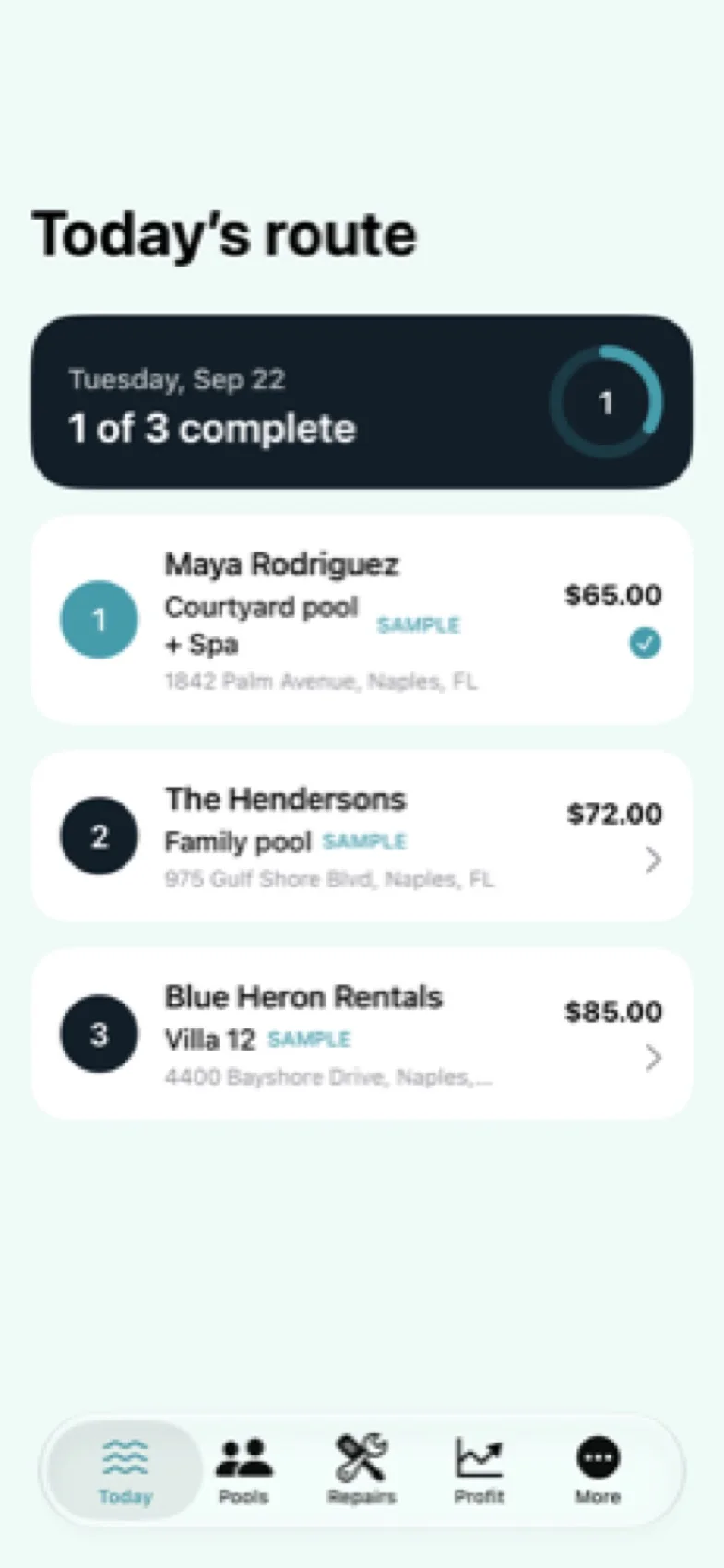
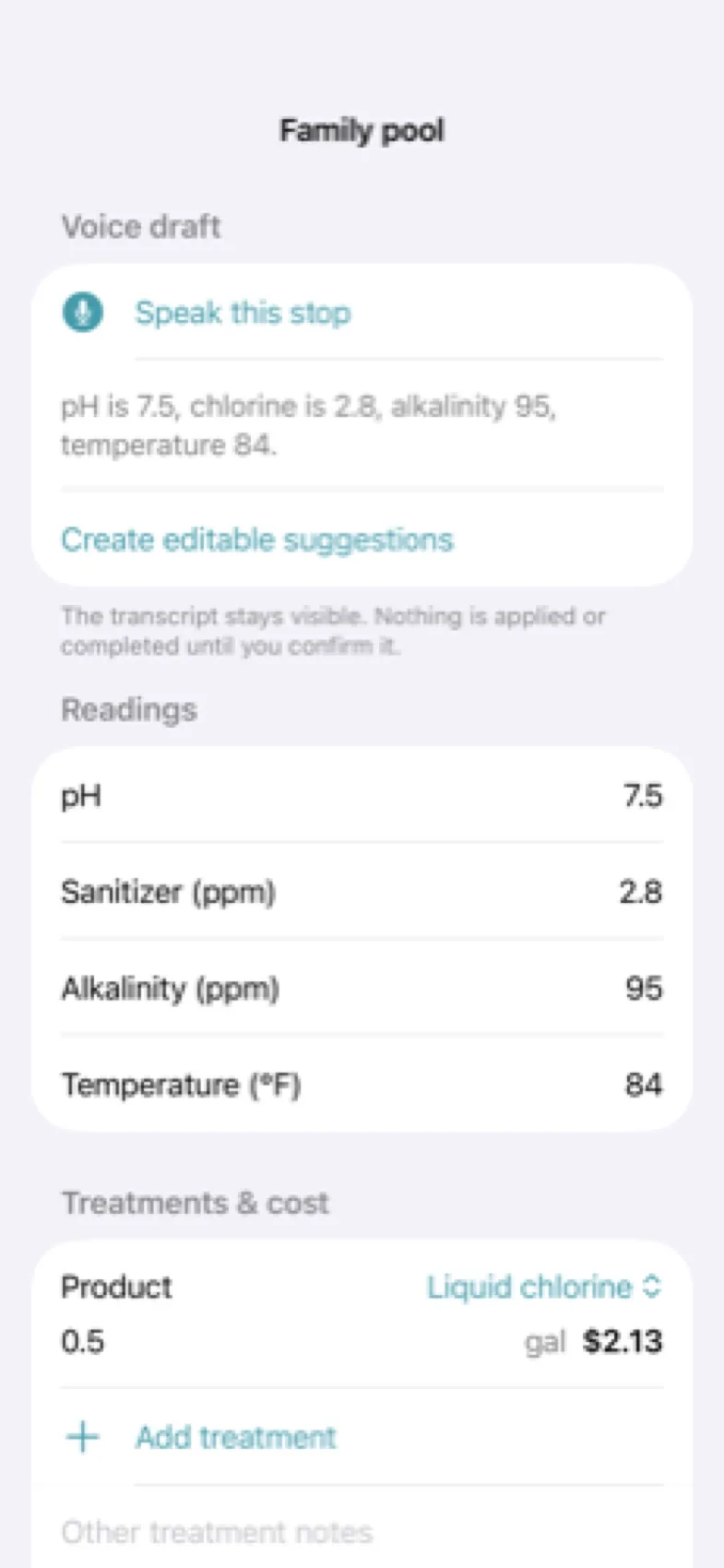
Save readings, treatments, work, issues, costs, and photos on your device. Optional dictation creates a draft you review and confirm.
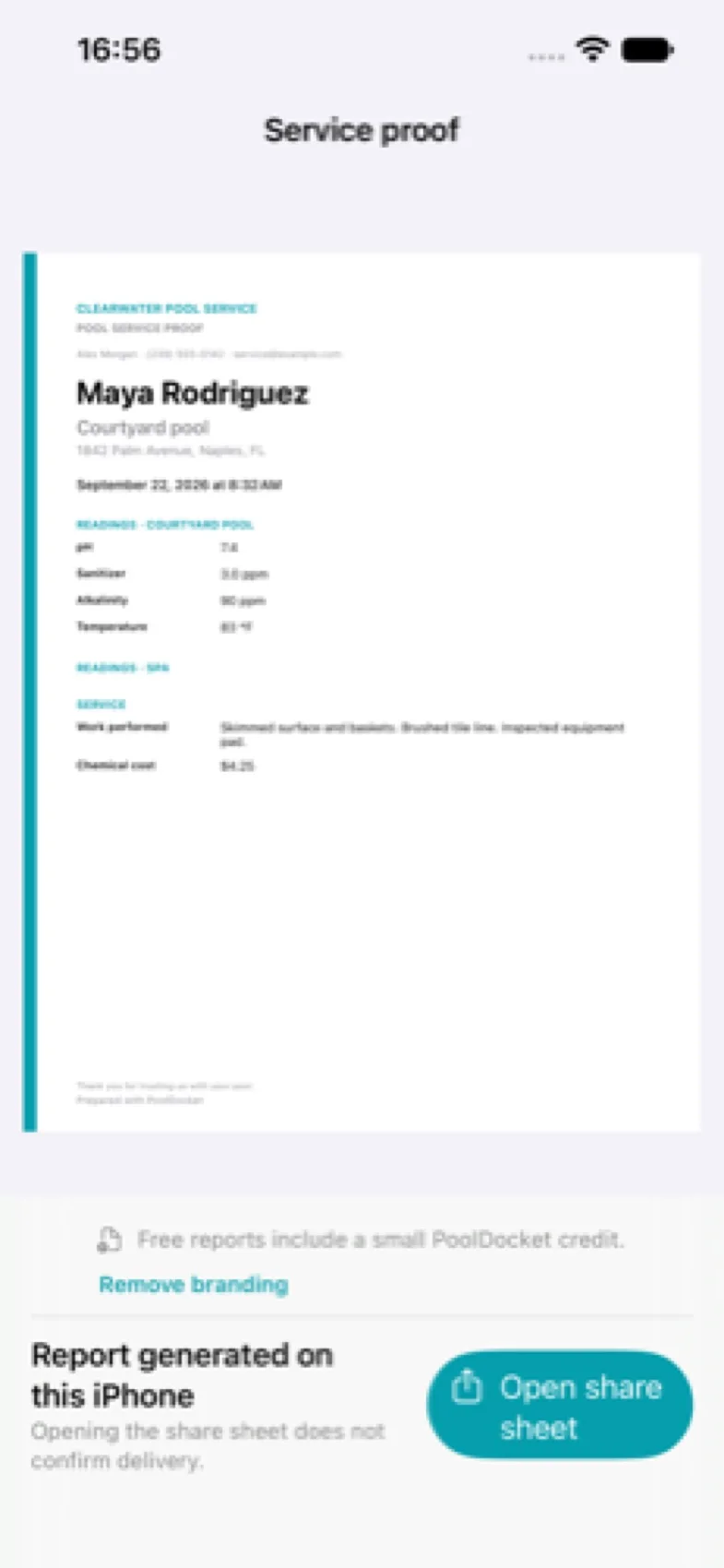
Select photos, generate a service report, and share it through the iOS share sheet. Your customer does not need an account.
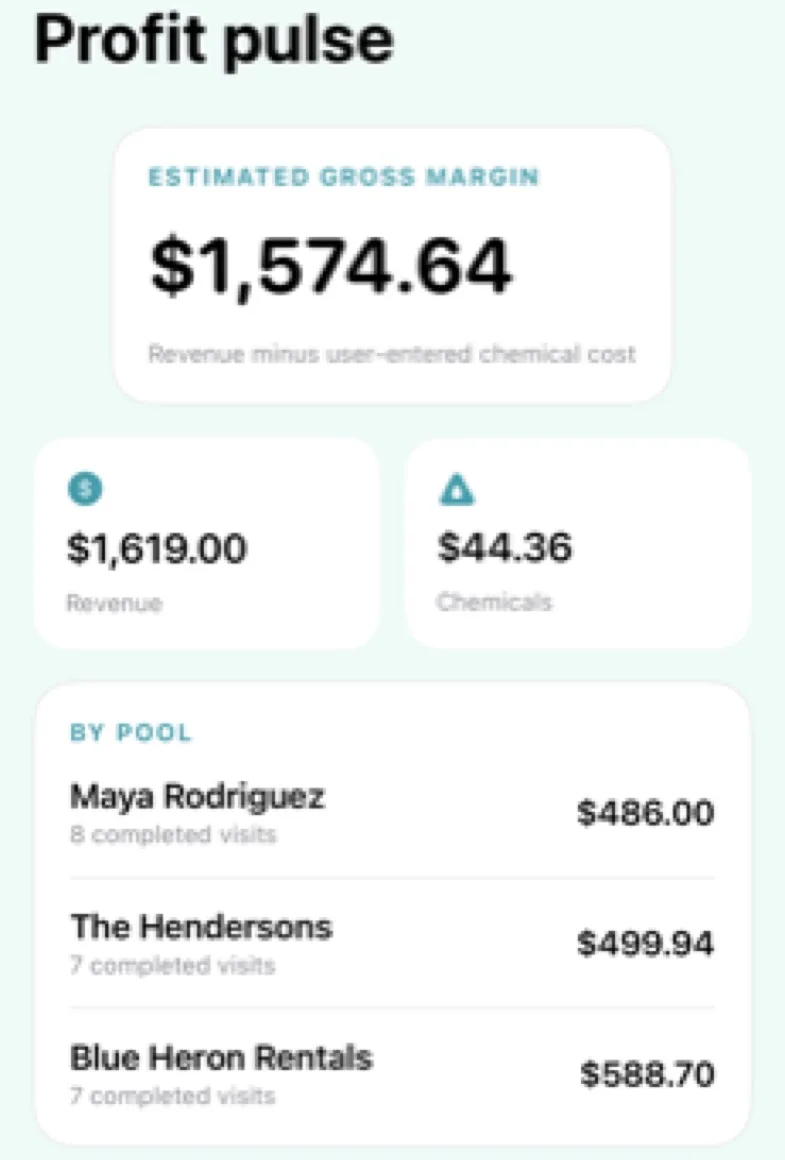
Record service revenue and chemical costs, review estimated gross margin, and keep repair opportunities ready for follow-up.
The free plan includes unlimited visits, history, photos, reports, CSV/JSON export, and backup/restore for three active pools. Free PDFs carry a small Prepared with PoolDocket credit. Pro adds unlimited pools, white-label reports, work templates, schedule duplication, advanced insights, and bulk report export. Local subscription prices are shown before purchase. Any available introductory offer and renewal terms are shown before purchase. Existing records and completed reports remain accessible if Pro ends.
Records stay on your device; backup/restore lets you move them. PoolDocket does not provide chemical dosing advice, certify water safety, invoice customers, or automatically optimize driving routes.
Start with a real visit: record the readings and work, attach a photo, then create and inspect a report. Check that the app works where signal is poor, how you share the result, and how you restore your records on a new device.
Yes. Routes, service history, readings, treatments, costs, and photos stay on your device. Optional voice entry creates an editable draft for you to review and confirm.
Create a PDF service report with selected photos and share it using the iOS share sheet. Customers do not need a PoolDocket account.
PoolDocket runs on iPhone and iPad with iOS or iPadOS 17 or later. A Today widget, Siri Shortcut, and read-only Apple Watch companion help you check route progress. Records stay local; use backup/restore to move them to another device.
Templates and record-keeping workflows for solo operators. Start with a report your customer can understand.
A reusable visit record, a filled example, and a checklist before sharing.
Separate the day’s schedule from the completed visit, then keep the evidence with the right pool.
A worked example that separates recorded gross margin from take-home profit.
Free chlorine, pH, alkalinity, cyanuric acid and calcium hardness ranges, and where each number comes from.
The fields for a pool service log, a filled example, and paper versus app trade-offs.
A staged checklist from paperwork to your first ten customers, without invented costs.
A buyer checklist for solo operators, with honest limits of a simple offline visit log.
A typical weekly visit, what is usually extra, and how to show customers what was done.
A due-diligence list for buying a pool route, and why visit records are the best evidence of what you are buying.
The clauses a pool service agreement needs, sample wording you can adapt, and the visit records that support it.
What a pool repair estimate needs, a worked example and how to link the quote to the visit where you found the problem.
A step-by-step way to set a monthly pool service price from your own costs, with a worked example and a check against real records.